

-1024x1024.webp)

Introduction
In the age of advanced automotive technology, On-Board Diagnostics II (OBD-II) scanners have become essential tools for both professional mechanics and DIY enthusiasts. These devices not only help diagnose engine issues but also provide insights into various vehicle systems, including the battery. Given the critical role of battery health in vehicle performance, understanding the reliability of battery tests offered by OBD-II scanners is vital for car owners. This essay explores the functionality of OBD-II scanners, their battery testing capabilities, limitations, comparisons with professional methods, and user experiences to assess their reliability.

I. Understanding OBD-II Scanners
Definition and Functionality
OBD-II refers to a standardized system that allows external devices to communicate with a vehicle’s onboard computer. This system provides real-time data regarding various parameters, including engine performance, emissions, and battery status. OBD-II scanners connect to a vehicle’s diagnostic port to retrieve this information, making it easier to identify issues without extensive mechanical knowledge.
Types of OBD-II Scanners
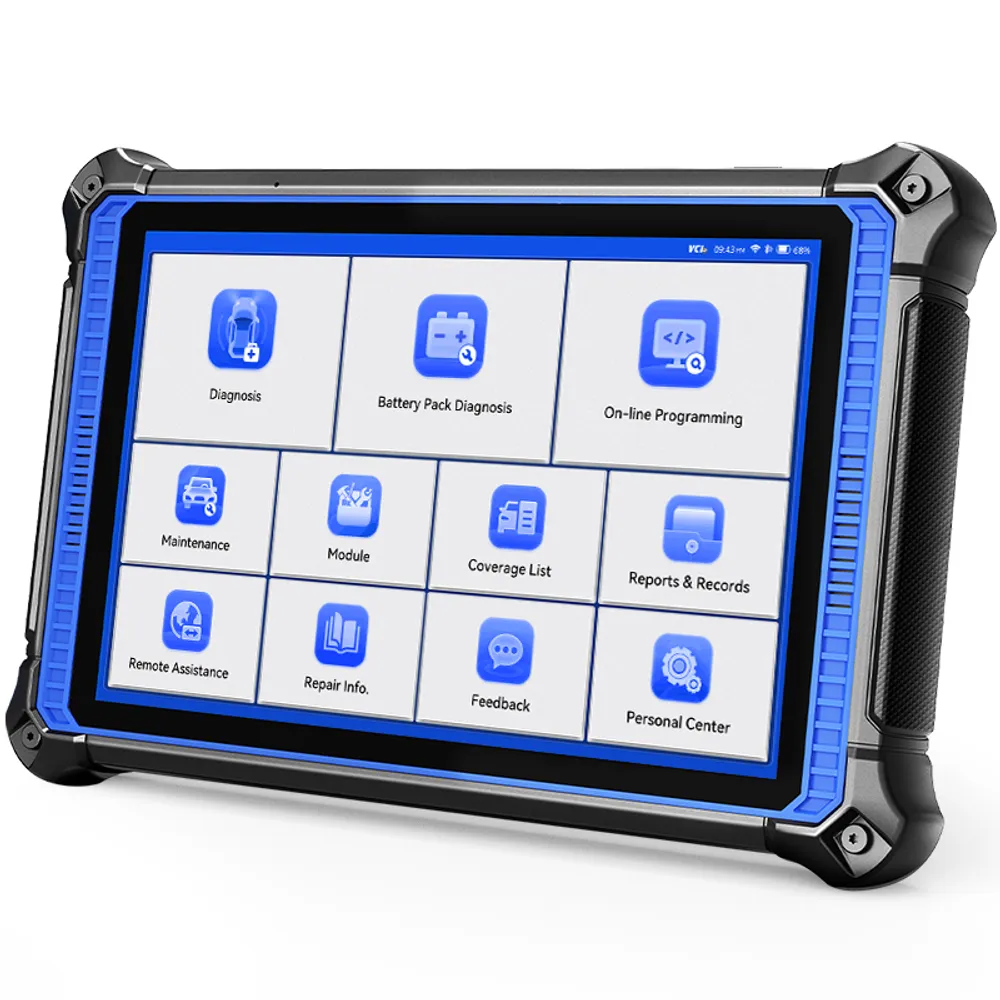
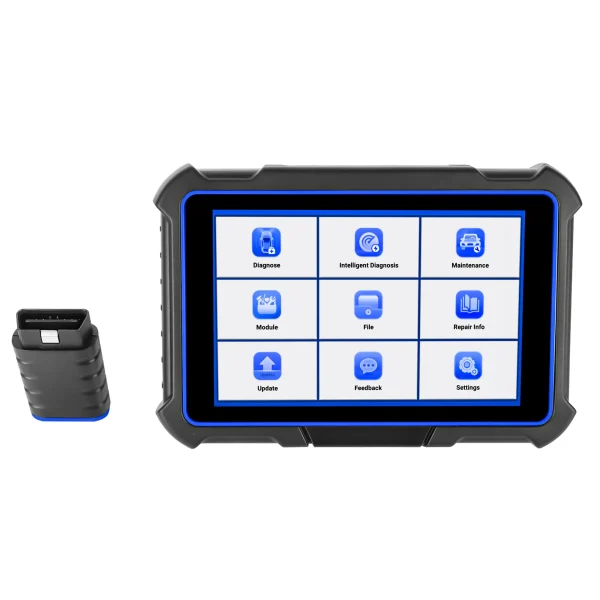
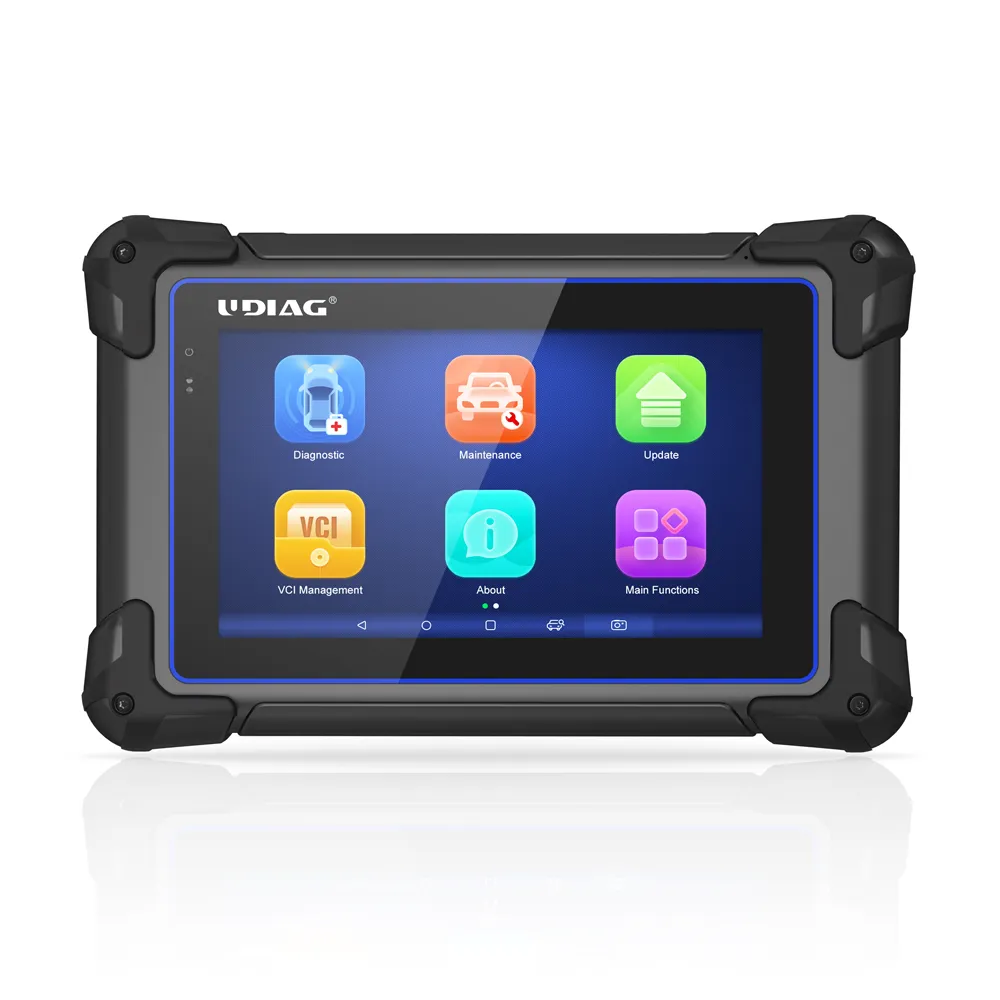
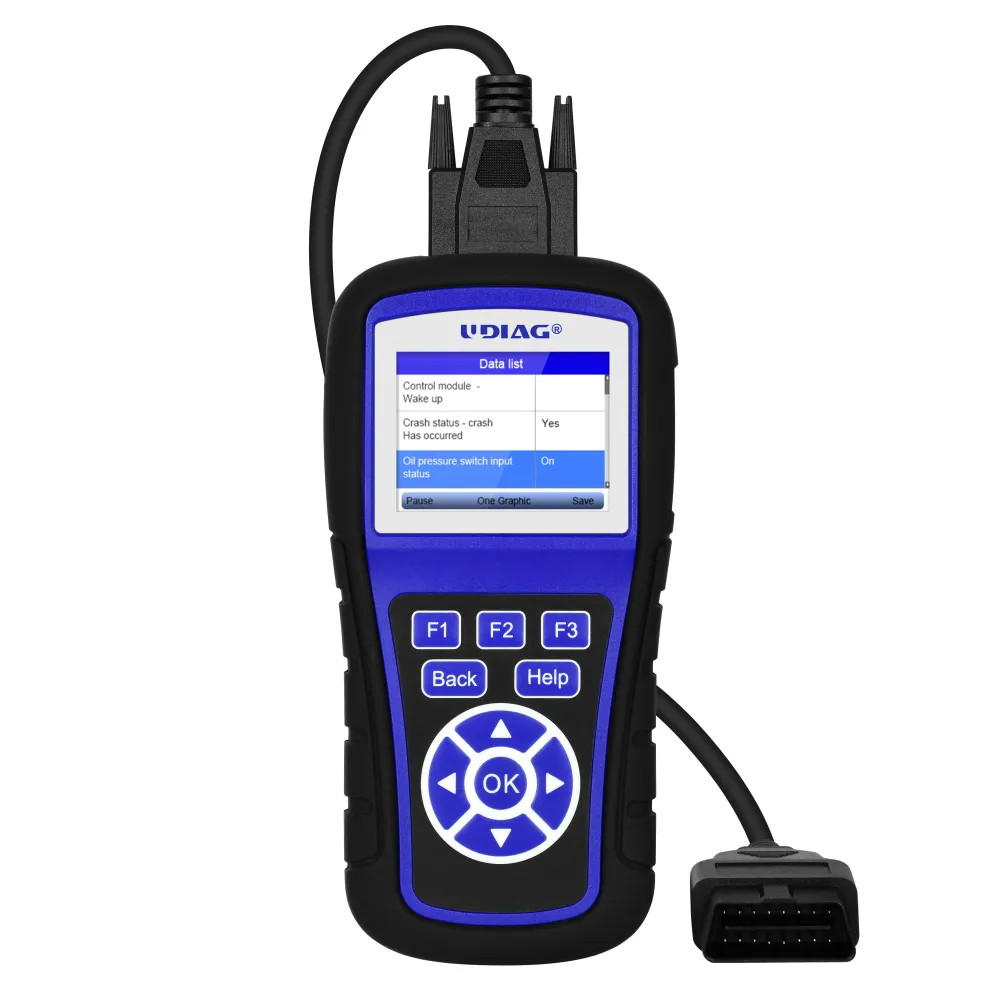
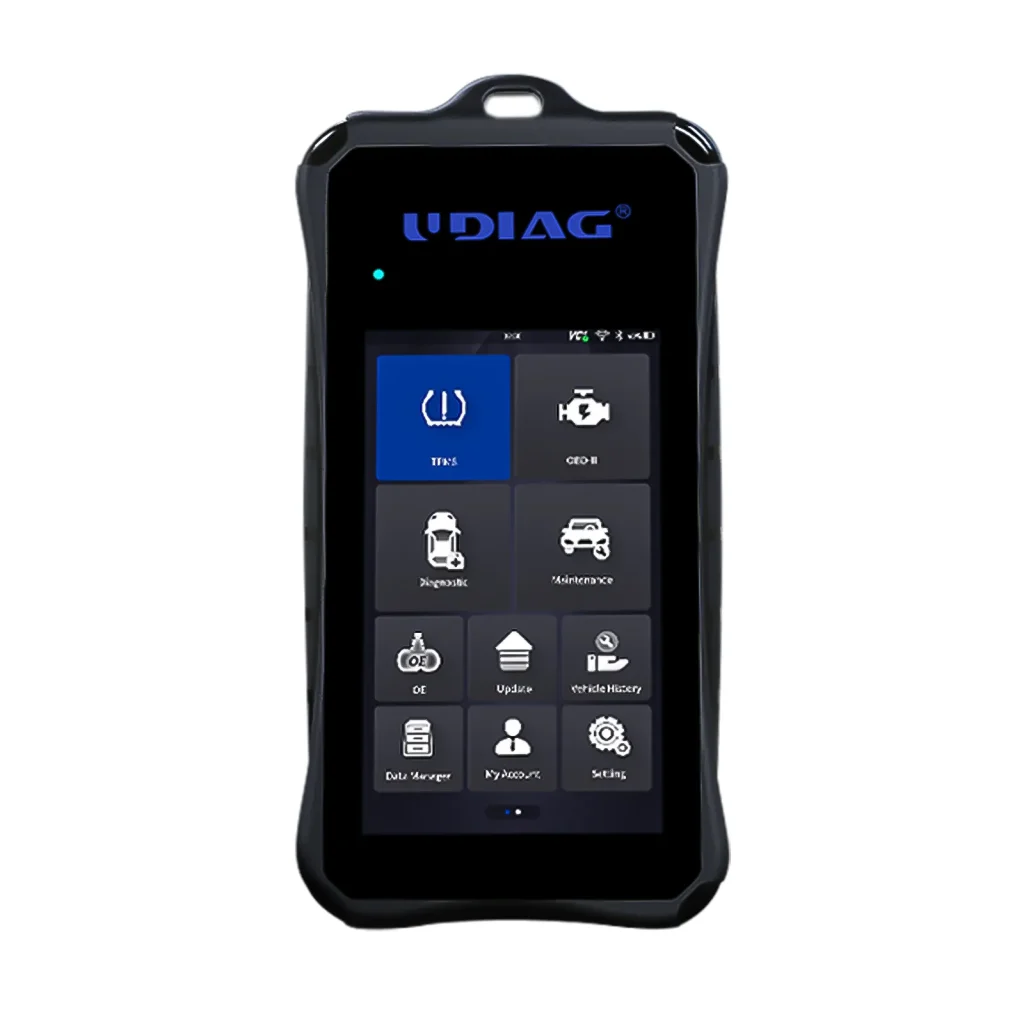
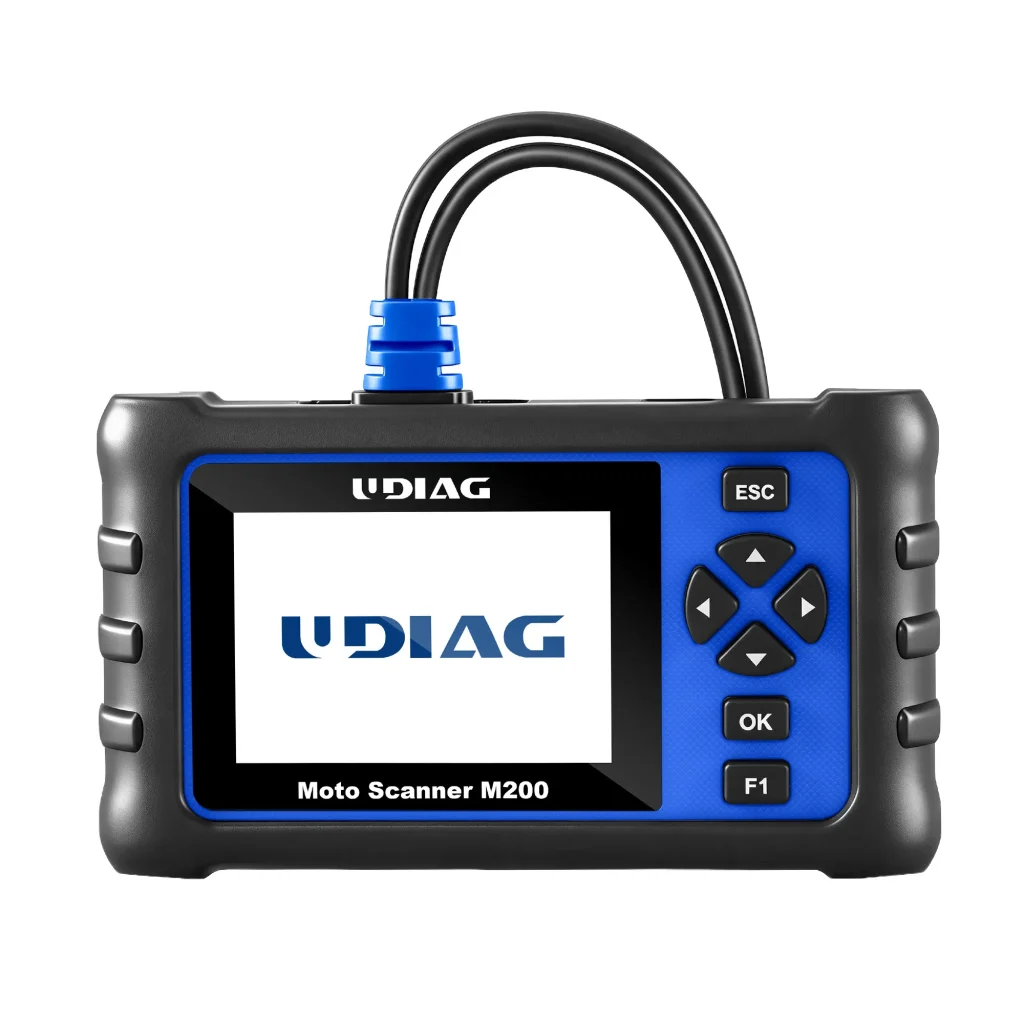
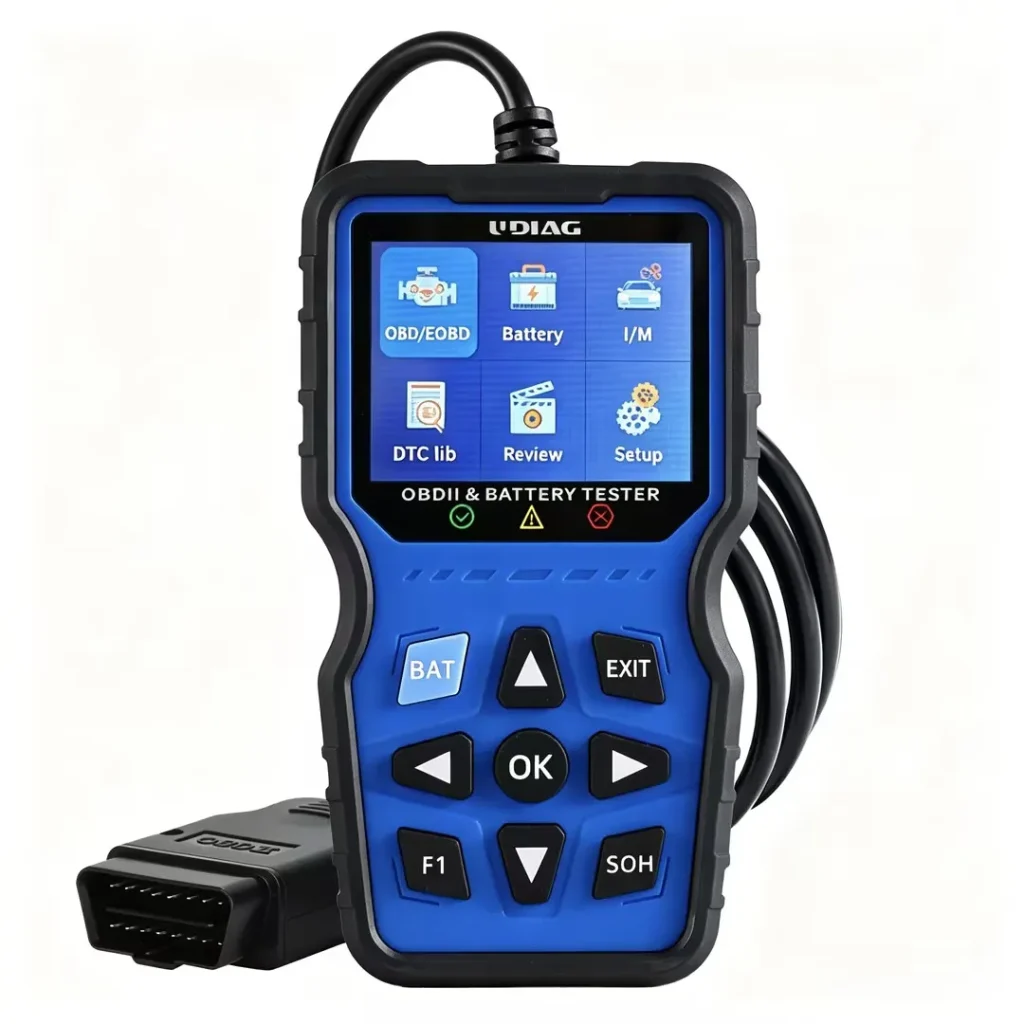
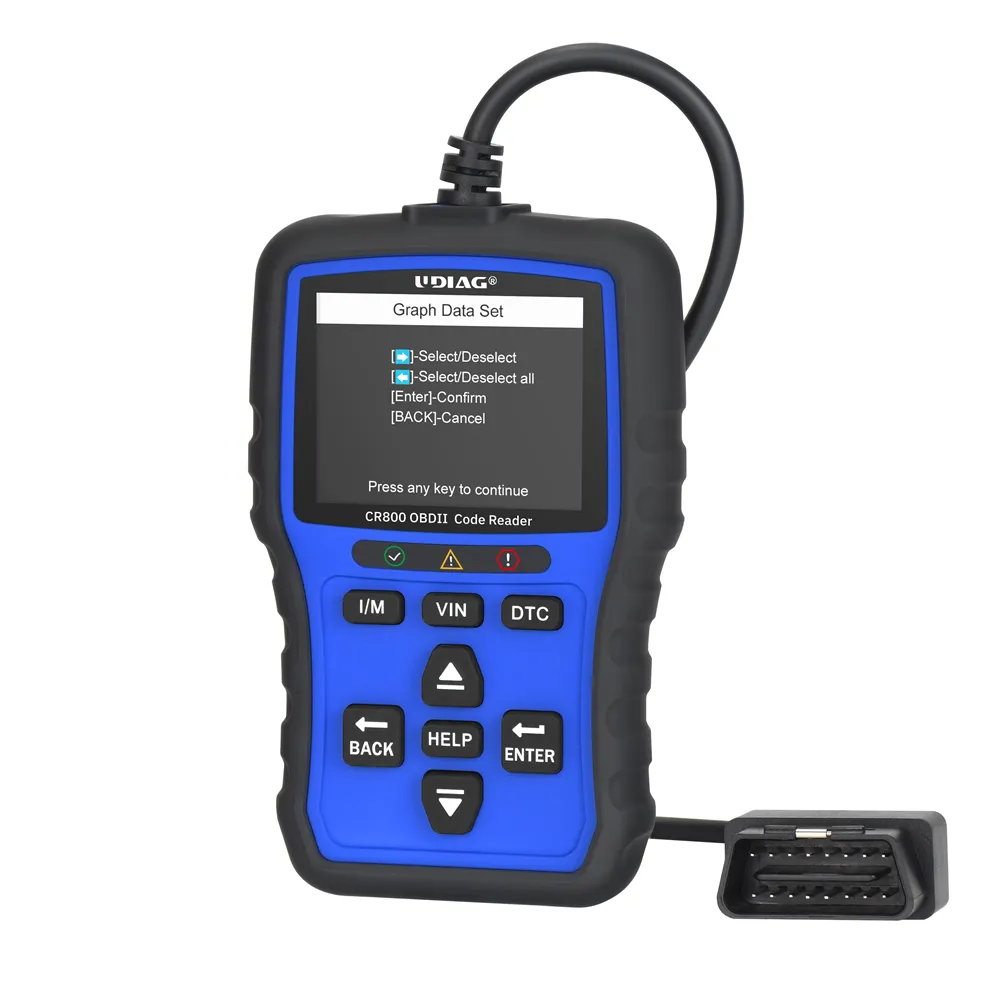
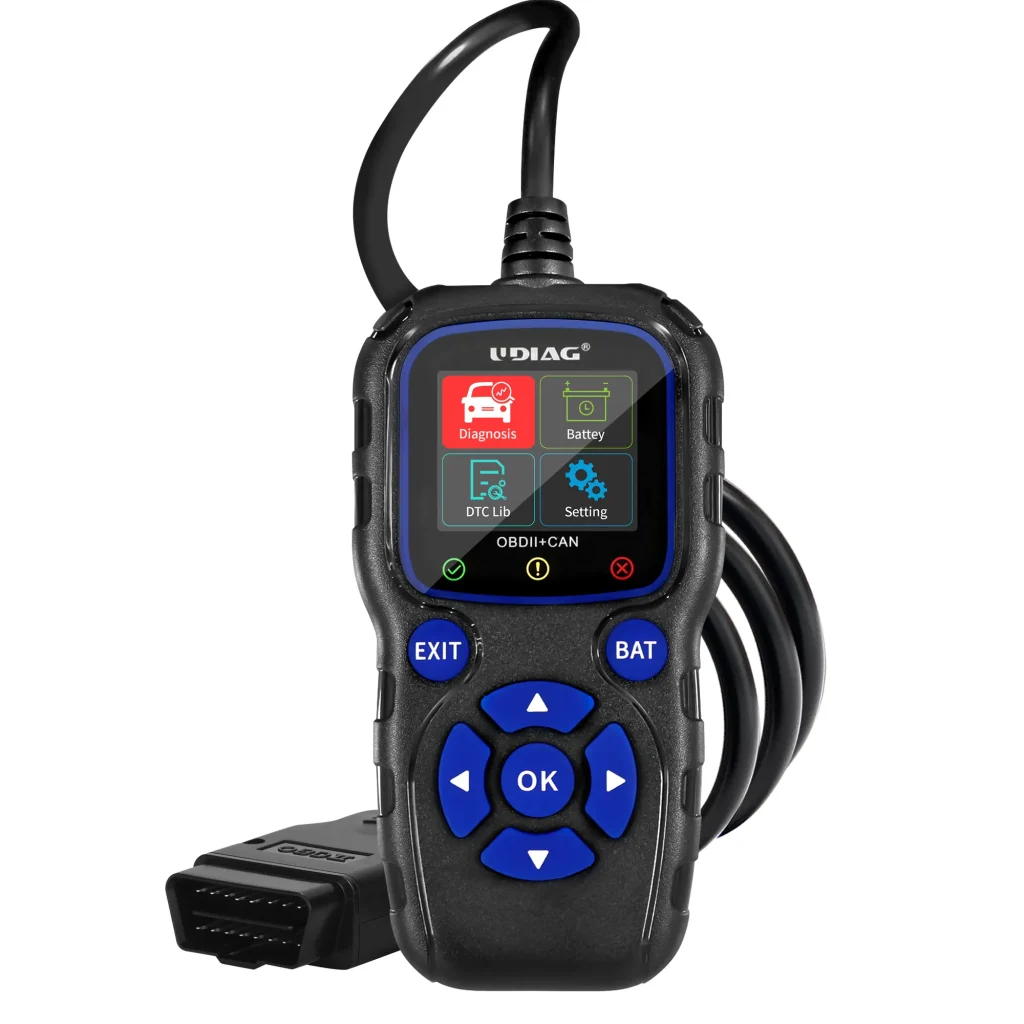
There are various types of OBD-II scanners available on the market. Basic models typically read trouble codes and provide limited data, while advanced scanners offer in-depth diagnostics, including live data streaming and enhanced vehicle parameters. Popular models like the Foxwell NT809 and BlueDriver are known for their user-friendly interfaces and comprehensive diagnostic capabilities.
II. Battery Testing Capabilities
Voltage Measurement
One of the primary functions of OBD-II scanners is measuring battery voltage. A healthy car battery should read approximately 12.6 volts when at rest and between 14 to 15 volts when the engine is running. These readings can indicate whether the battery is adequately charged or if there may be an issue with the charging system.
Charging System Analysis
In addition to voltage measurements, some OBD-II scanners can assess the performance of the vehicle’s charging system. By analyzing data from various sensors, these scanners can help identify potential problems with the alternator or other components responsible for maintaining battery charge.
III. Limitations of OBD-II Battery Testing
Inability to Perform Load Tests
Despite their capabilities, standard OBD-II scanners have significant limitations when it comes to accurately assessing battery health. One major drawback is their inability to perform load tests. Load testing is essential for determining a battery’s capacity to deliver power under stress, which is critical for starting the engine and powering electrical systems. Since OBD-II scanners rely on voltage readings alone, they may not provide a complete picture of battery health.
Dependence on Vehicle Compatibility
The reliability of battery tests from OBD-II scanners also depends on vehicle compatibility. Different makes and models may offer varying levels of diagnostic data through their onboard systems. Higher-end vehicles often provide more detailed information through dealer-level tools, while basic models may not support comprehensive diagnostics.
IV. Comparison with Professional Testing Methods
Professional Load Testing
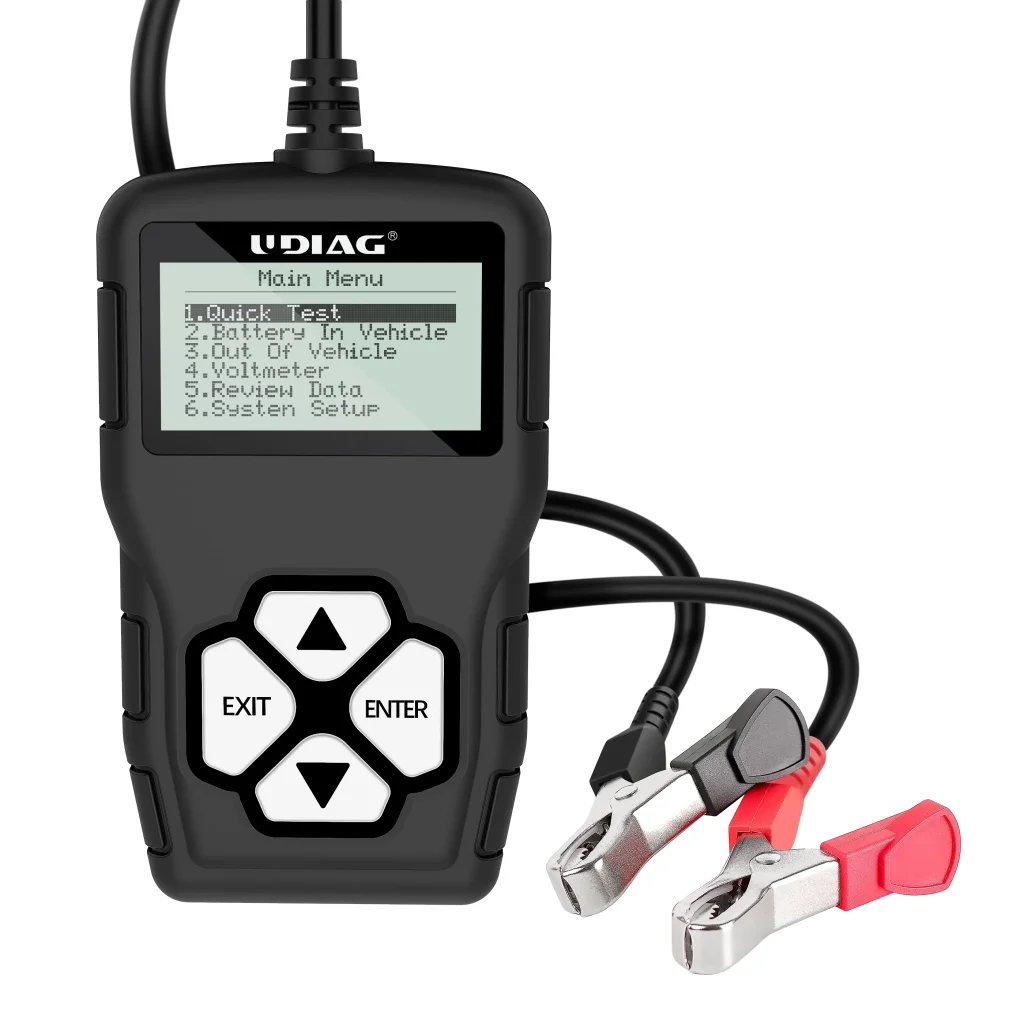
For a thorough assessment of battery health, professional load testing remains the gold standard. Auto parts stores and mechanics often use dedicated battery testers that apply a load to the battery while measuring its performance. This method provides an accurate evaluation of whether a battery can hold a charge under real-world conditions.
Cost vs. Accuracy
While using an OBD-II scanner can be more cost-effective than seeking professional services, it may sacrifice accuracy in diagnosing battery issues. Car owners should weigh the benefits of convenience against the potential risks of misdiagnosing a failing battery based solely on voltage readings.
V. User Experiences and Anecdotal Evidence
Case Studies from Users
User experiences with OBD-II scanners vary widely. Some users report satisfaction with basic voltage readings that help them gauge their battery’s condition; however, many have encountered limitations when trying to diagnose more complex issues related to battery health. Common complaints include missed diagnoses that could have been identified through more thorough testing methods.
Conclusion
In conclusion, while OBD-II scanners offer valuable insights into vehicle diagnostics, their reliability in assessing battery health is limited. They excel at providing voltage measurements and basic charging system analysis but fall short in performing comprehensive load tests necessary for accurate evaluations. Car owners should consider using OBD-II scanners as a supplementary tool rather than a sole diagnostic method for battery health assessment. For critical evaluations, especially when experiencing starting issues or electrical failures, seeking professional assistance remains advisable for accurate diagnosis and peace of mind.
FAQs
1. Can an OBD-II scanner check my car’s battery health?
Yes, an OBD-II scanner can measure battery voltage and identify potential charging issues. It provides voltage readings that indicate whether the battery is functioning properly.
2. How do I check battery voltage with an OBD-II scanner?
To check battery voltage, connect the OBD-II scanner to your vehicle’s diagnostic port, typically located under the dashboard. Navigate to the battery or electrical system section in the scanner’s menu to view voltage readings, which should ideally be around 12.6V when the car is off and between 14-15V when running
3. What should I do if my OBD-II scanner shows low voltage?
If your scanner indicates low voltage, first clean the battery terminals and check all connections. If the problem persists, charge the battery or consider replacing it if it does not hold a charge
4. Will an OBD-II scanner read the battery light?
Yes, an OBD-II scanner can detect issues related to the battery light by pulling diagnostic trouble codes (DTCs) from the car’s system. This helps identify problems such as a weak battery or alternator failure
5. Can an OBD-II scanner test an alternator?
Yes, an OBD-II scanner can test an alternator by monitoring voltage levels while the engine is running. It checks whether the alternator is charging the battery properly, with ideal output voltages ranging from 13.5V to 14.5V
6. What are the limitations of using an OBD-II scanner for battery testing?
OBD-II scanners cannot perform load tests, which are crucial for accurately assessing a battery’s ability to deliver power under stress. They primarily provide voltage readings and may not give a complete picture of battery health